# Why Langflow Has 146K Stars: The AI Builder Explained
There's a moment every developer building with LLMs hits eventually. You've strung together a chain — maybe a retrieval step, a prompt template, a model call, some output parsing — and it works, mostly, in a Jupyter notebook at 2am. Then someone asks you to add a second agent, wire in memory, expose it as an API, and make it observable in production. The notebook curdles. The duct tape shows. What felt like prototyping was actually the whole plan.
Langflow exists at exactly this inflection point. With 146,455 GitHub stars and tens of thousands of monthly PyPI downloads, it has become one of the most widely adopted open-source tools in the AI orchestration space — not because it promises to do everything, but because it's made a specific architectural bet that turns out to be the right one.
The Node-Based Interface Is Not the Point
The obvious story about Langflow is that it's a drag-and-drop AI builder. You open a browser, see a canvas, drag components — LLMs, vector stores, prompt templates, agents — and connect them with wires. It's visual. It's approachable. It's what every demo shows.
But the deeper story is what happens when you right-click any node.
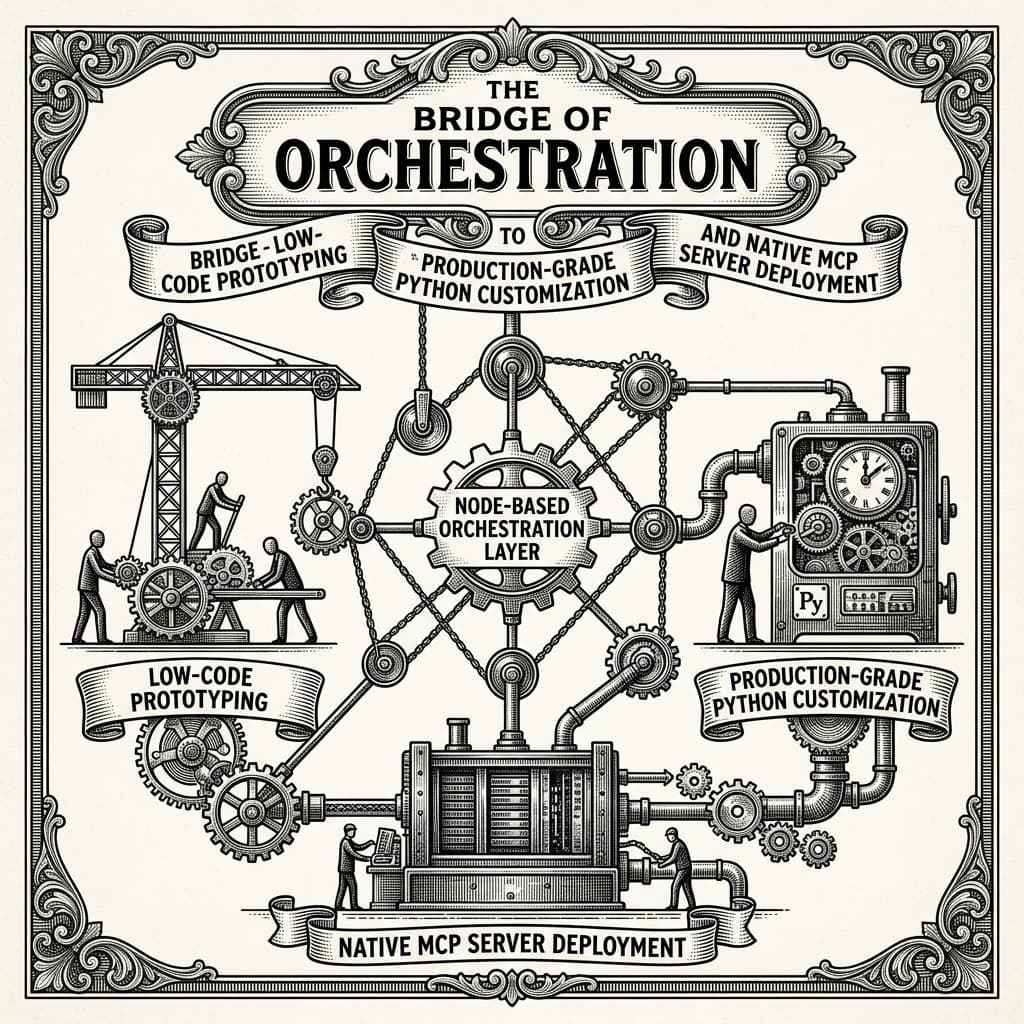
Every component in a Langflow flow exposes its source code directly in the interface. That LLM node? Pure Python. That retrieval step? A class you can override, extend, and rewrite. The visual layer isn't obscuring the implementation — it is the implementation, just projected into a spatial format. The canvas isn't a simplified view of some internal DSL. It's a direct representation of a Python object graph.
This is the architectural decision worth paying attention to. Most low-code tools make a bargain: speed now, flexibility later (maybe never). Langflow's bargain is different: the same artifact serves both audiences. A designer or product manager can read the flow visually. An engineer can pop the hood on any node, write custom logic in Python, and the two representations stay in sync. The flow can be exported as JSON and consumed programmatically, or deployed directly as an API — uv pip install langflow, uv run langflow run, and you're at http://127.0.0.1:7860 in under two minutes.
"Source code access lets you customize any component using Python."
That one line in the README is doing a lot of work. It's an implicit promise that this tool won't eventually hit a wall that requires you to throw it away.
MCP and the Tool-of-Tools Problem
The more recent development — and arguably the one that explains the continued star velocity — is Langflow's integration of the Model Context Protocol (MCP).
MCP is Anthropic's open protocol for giving AI agents standardized access to external tools and data sources. It's early, but it's gaining traction fast, and it's solving a problem that anyone who's built multi-agent systems knows intimately: agents need to call tools, tools need to be discoverable, and the interface between them is currently a mess of bespoke integrations.
What Langflow does with MCP is elegant. Every workflow you build — a customer support flow, a document summarizer, a multi-step research agent — can be deployed as an MCP server. That means any MCP-compatible client can discover and invoke your flow as a tool, without knowing anything about its internals. Your Langflow workflow becomes a first-class citizen in whatever agent ecosystem is consuming it.
This shifts the mental model significantly. You're not just building a pipeline; you're publishing a capability. The flow becomes an endpoint in a broader agentic network. This is what "batteries included" actually means in 2025 — not just that the tool ships with LLM integrations and vector database connectors (though it does, supporting all major providers), but that it's architected to plug into the emerging standards layer for AI interoperability.
Combined with native observability integrations for LangSmith and Langfuse, this starts to look less like a prototyping tool and more like an orchestration runtime that happens to have a very good UI.
Who Actually Uses This, and How
The honest answer is: a wider range of people than most developer tools claim to serve, and in Langflow's case the claim actually holds up.
For an AI engineer who needs to move fast, Langflow's interactive playground offers step-by-step flow execution with immediate feedback — you can watch data move through each node, inspect intermediate outputs, and catch the prompt-formatting bug before it becomes a production incident. The multi-agent orchestration primitives handle conversation memory and retrieval without requiring you to implement those from scratch.
For a team that includes non-engineers, the visual canvas means a product manager can actually read what the system does. Not just a diagram someone made in Miro — the actual executing logic. That's a genuine organizational capability shift, and it's rare.
For platform and infrastructure teams, the enterprise-ready posture matters: deployment to any major cloud, Docker support (docker run -p 7860:7860 langflowai/langflow:latest and nothing else required), and a desktop application for Windows and macOS that packages all dependencies. The security advisory section of the README is, notably, thorough and active — CVEs are logged, versions are yanked when necessary, mitigations are documented. That's what serious production adoption looks like.
The honest caveat is complexity. Langflow's surface area is large. The same flexibility that makes custom nodes powerful means there's real depth to learn. And visual tools always carry the risk that flows become difficult to version-control and review as they grow. These are not dealbreakers, but they are real tradeoffs that teams should plan around rather than discover at scale.
What Langflow Tells Us About the Direction of AI Tooling
The 146K stars are a signal about something beyond the tool itself. They reflect a moment when the AI development community is collectively figuring out that the real problem isn't access to models — it's orchestration, deployment, and maintenance of systems that use those models.
The pattern Langflow embodies — visual authoring as a first-class interface for production-grade software — is the same bet that spreadsheets made against custom accounting software, and that Figma made against Photoshop for design systems. The question isn't whether non-engineers can build with AI; it's whether the tools that make that possible also satisfy engineers rigorous enough to put it into production.
Langflow's answer is to refuse the segmentation entirely. The canvas and the Python class are the same thing. The prototype and the MCP server are the same artifact. That insistence on a unified abstraction, rather than separate tools for separate audiences, is probably why the star count keeps climbing — and why watching where this project goes next is worth your time.